Guide · Choosing an app
How to choose a walkie talkie app in 2026.
There are many walkie talkie apps, and they are built for different jobs. Rather than a ranking, here is a checklist of the questions that matter for a crew, what to look for in each, and where TapHAIL fits.
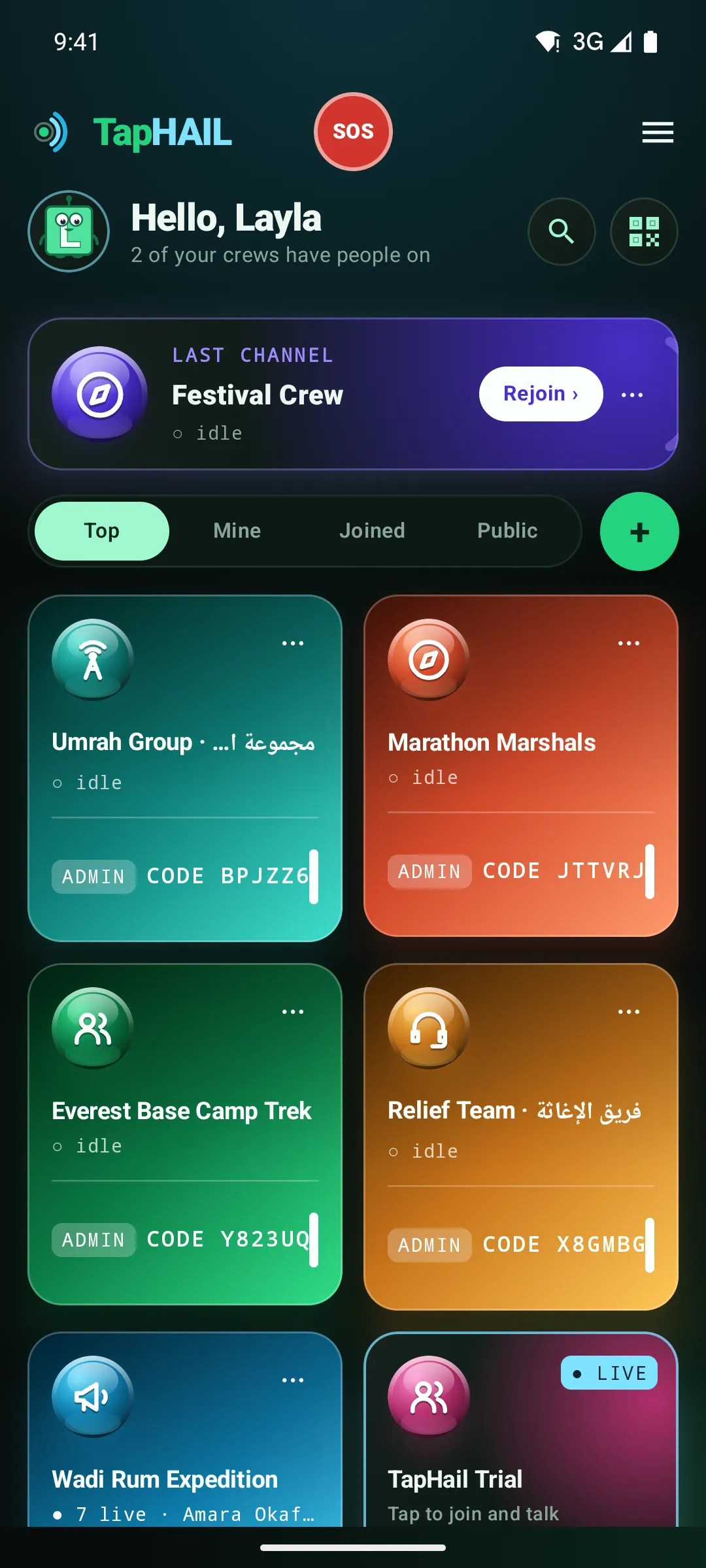
Start with how your crew talks
Before comparing features, write down three things: who needs to hear what, how quickly, and where they will be. A festival crew calling for help at a gate has different needs from a family keeping in touch on holiday, or a team that swaps updates across the day. The right app is the one that fits that picture, not the one with the longest feature list.
The checklist
Live push-to-talk or voice messages?
Some apps are live: hold the button and the channel hears you as you speak. Others record a message that people play when they choose. If your crew needs to hear it now, look for live talk and check how long it takes from mouth to ear.
What happens with no network?
Most apps need mobile data or Wi-Fi. Some can link nearby phones directly. If you work on trails, in basements or in packed venues, ask what the app does when the signal drops, and which phones that works on.
Which platforms?
List the phones, laptops and watches your crew actually uses. Check whether every one is covered, and whether anyone has to use a different edition, such as a web app.
How is it priced?
Free, free with ads, free with a paid tier, or a subscription per user. Work out what it would cost for your whole crew, now and if you grow, and what is locked behind a paid plan.
Is there a history?
If someone misses a call, can they replay it? Is the real audio kept, and is history part of the free app or a paid extra?
Privacy and location
Does the app share location? Is it on or off by default, who sees it, and how often does it update? You want it when it helps and off when it does not.
Safety features
Is there an SOS, who does it alert, and does it send your location? No app replaces emergency services, so check how the app tells you that too.
Hands-free and hardware buttons
Can you talk with a volume key or a physical PTT button, lock the button for longer talk, or use VOX? Drivers and anyone wearing gloves will need this.
Channels and admin
How many channels can you have? How do people join, and can you make a channel members-only? Look at what control you need over who joins and what they see.
Extras that fit your work
Translation for mixed-language crews, video meetings, maps, field tools. Useful if you need them; noise if you do not.
Where TapHAIL fits
- Live push-to-talk in under a second, mouth to ear, with Opus voice that adapts to the network.
- With no network, Android phones nearby keep talking over Bluetooth and Wi-Fi, and History syncs when the network returns.
- Android (Google Play or direct download), any browser, and a Wear OS watch paired with the Android app. iPhone uses the web app for now; the iPhone edition is on its way.
- Free, no ads, nothing locked.
- History with real audio, and a "while you were away" recap.
- Team map off by default; when on, it updates every 30 seconds to 5 minutes.
- One-tap SOS to the channel and an emergency contact, with your location, where SOS is live (Kerala today). It does not replace emergency services.
- Volume key, physical PTT key, VOX, and slide up to lock.
- Unlimited channels with 6-character codes, links and QR, open or members-only.
- Live translation subtitles, Roundtable video meetings, Call Me QR points and a field toolkit.
Try it with your crew
The best test is a real shift. Pick two apps that pass your checklist, run each with one team for a day, and ask the crew which they would rather keep. Pay attention to the small things: how fast the voice arrives, how easy it is to join, and whether people can talk without looking at the screen.
If you are comparing TapHAIL with an app or a radio you already use, our comparison pages go through it side by side.
Questions
What is the best walkie talkie app?
The one that fits your crew: live talk or messages, where you work, which phones you use and what it costs for everyone. Use the checklist above and test the shortlist on a real shift.
Is there a free walkie talkie app with no ads?
Yes. TapHAIL is free with no ads and nothing locked, on Android and in any browser.
Do walkie talkie apps work without internet?
Most need mobile data or Wi-Fi. Some, such as TapHAIL on Android, also link nearby phones over Bluetooth and Wi-Fi with no network.
Can a walkie talkie app use a PTT button?
Many can. TapHAIL on Android works with Volume Up, Volume Down or a physical PTT button, and VOX.