Compare · Two-way radios
Two-way radios vs TapHAIL: retire the radio rack.
Two-way radios are hardware to buy, charge, licence and replace, and they reach as far as their range. TapHAIL turns the phone your crew already carries into a walkie talkie that reaches anywhere with a network, and keeps nearby phones talking without one.
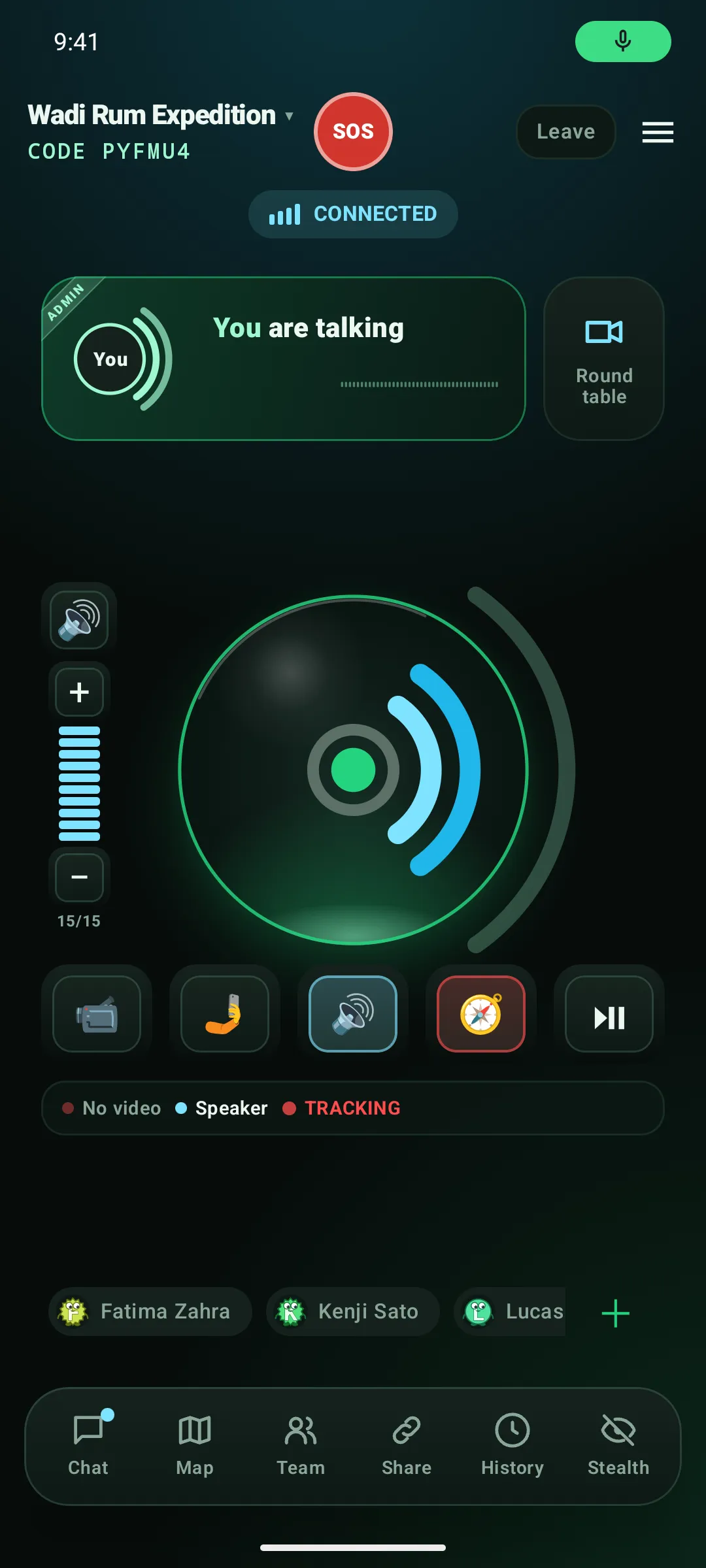
Side by side
| Two-way radios | TapHAIL | |
|---|---|---|
| Range | Capped at a few km, line of sight | Worldwide, anywhere there is 4G, 5G or Wi-Fi |
| Dead zones | Indoors and between towers | Nearby Android phones link when the network fades |
| Hardware | To buy, charge, licence and replace | The phone you already carry |
| Channels | One crew stuck on one channel | Unlimited channels, invite anyone in a tap |
| Missed a call | It's gone | History and catch-up for every word |
What you keep from radios
- Push-to-talk: press, speak, release.
- A hardware key: Volume Up, Volume Down or a physical PTT button.
- Hands-free: lock the button, or let VOX talk when you speak.
- Talk with no network, between Android phones nearby.
What a phone adds
- A team map, off by default, that shows where each person is when you turn it on, updated every 30 seconds to 5 minutes.
- History of every transmission with its real audio, and a "while you were away" recap.
- Ring a teammate in with a reason when you need them on the channel.
- Live translation subtitles for crews who speak different languages.
- One-tap SOS to the channel and an emergency contact, with your location, where SOS is live (Kerala today).
When radios still make sense
Where phones are not allowed, or where there is no network and the crew is spread wider than Bluetooth and Wi-Fi reach between phones, dedicated radios still have a place. Many crews run both.
Radios are also a single-purpose tool: no notifications, no other apps, a battery that does one job. Some crews value that, and some sites require it. If yours does, keep the radios and use TapHAIL for the people who are off site or out of range.
TapHAIL does not replace emergency services: in an emergency, call your local emergency number.
Switching in 10 minutes
Map radio channels to TapHAIL channels
Write down what each radio channel is for, then make one TapHAIL channel for each. Name them the way the crew already says them.
Install
Free on Google Play or as a direct download for Android, or open the web app in any browser.
Share the codes
Each channel has a 6-character code, a link and a QR. Print the QRs on the briefing sheet.
Set the talk key
On Android, pick Volume Up, Volume Down or a physical PTT button, or use VOX, so the habit of pressing a key stays the same.
Radio check
Everyone presses and says their name. Keep the radios on charge for the first shift if you want a fallback.
Questions
Can a phone app replace two-way radios?
For most crews, yes: TapHAIL gives push-to-talk channels on the phones they already carry, reaches anywhere with a network, and keeps nearby Android phones talking without one.
Can I use a PTT button with TapHAIL?
Yes. On Android, talk with Volume Up, Volume Down or a physical PTT button, or use VOX.
Does TapHAIL need a licence like radios?
No. It runs over mobile data, Wi-Fi, and Bluetooth and Wi-Fi between nearby phones.
Can radios and TapHAIL be used together?
Many crews run both: radios where phones are not allowed or there is no network across a wide area, TapHAIL for everyone else and for people off site.
What happens when there is no network at all?
Android phones near each other keep talking over Bluetooth and Wi-Fi, and History syncs when the network returns. The web app and iPhone need a network.
Is TapHAIL suitable for emergencies?
It has one-tap SOS to your channel and an emergency contact, with your location, where SOS is live (Kerala today), but it does not replace emergency services. In an emergency, call your local emergency number.