Compare · WhatsApp
TapHAIL vs WhatsApp voice notes: live talk for crews.
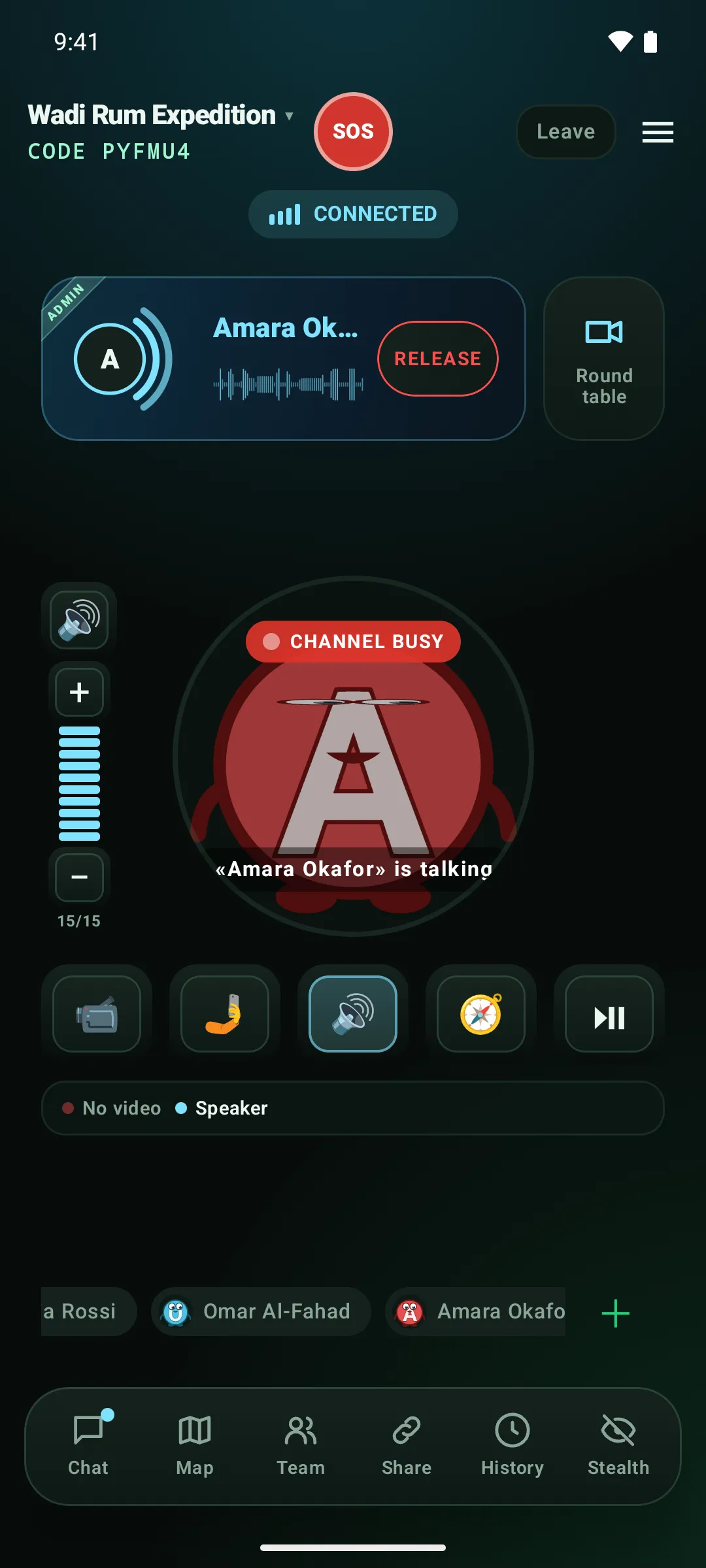
A voice note is recorded, sent, and waits for someone to tap play. On a TapHAIL channel, the crew hears you while you speak, hands-free, with no tapping. Keep WhatsApp for chat; use TapHAIL when the crew needs to hear it now.
At a glance
| TapHAIL | Voice notes in a group chat | |
|---|---|---|
| When the crew hears you | As you speak, in under a second | When each person taps play |
| Hands-free | Volume key or PTT button, lock to talk, VOX | Record, send, open, play |
| With no network | Android phones nearby keep talking over Bluetooth and Wi-Fi | Sent when the network returns |
| Record | Every transmission in History, with a catch-up recap | In the chat |
When a crew needs push-to-talk
- Event crews and stewards who need an answer now.
- Drivers and riders who cannot look at a screen.
- Security and front desks that must hear every call.
- Groups on a trail where the network comes and goes.
Which one fits your crew
For a lot of groups, voice notes are exactly right. If nobody needs to hear you this second, if people listen when they have a moment, and if the chat is mostly photos, plans and jokes, a group chat does the job and everyone already has it.
Push-to-talk earns its place when timing matters. A steward asking for help at a gate, a driver telling the yard they are two minutes out, a lead calling the crew to the stage: these are calls the crew should hear while you say them, not after they unlock a phone.
The two sit happily side by side. Keep the group chat for planning, and put a TapHAIL channel link in it for the live talk on the day.
Switching in 10 minutes
Minute 1: install
Get TapHAIL free on Google Play or as a direct download for Android, or open the web app in any browser. iPhone users use the web app for now.
Minute 2: sign in and name yourself
Use the name your crew already calls you on the air, so nobody has to learn a new call sign.
Minutes 3 to 4: make your channels
One channel per team or job. Channels are unlimited, and each can be open or members-only.
Minutes 5 to 6: share the codes
Each channel has a 6-character code, a link and a QR. Paste the link in your existing group chat, or put the QR on the briefing sheet.
Minutes 7 to 8: set the talk key
On Android, pick Volume Up, Volume Down or a physical PTT button, or turn on VOX. Slide up on the button to lock it for longer talk.
Minutes 9 to 10: radio check
Everyone presses and says their name. If you can all hear each other, you are done. Run both apps side by side for a shift if you want to be sure.
Fair print
WhatsApp is a trademark of its owner. TapHAIL is not affiliated with WhatsApp.
Questions
Can WhatsApp work like a walkie talkie?
Voice notes are recorded and played later. For live walkie-talkie talk, where the group hears you as you speak, use a push-to-talk app such as TapHAIL.
Do I have to leave WhatsApp?
No. Many crews keep their chat group and use TapHAIL for live talk on the job.
Is TapHAIL free?
Yes. Free on Google Play, as a direct download and in the browser, with no ads and nothing locked.
How do I get my WhatsApp group onto a TapHAIL channel?
Make a channel and paste its link in the group. People tap it to join on Android or in any browser, or type the 6-character code.
What if someone misses a call?
Every transmission stays in History with its real audio, and the app shows a "while you were away" recap when they come back.
Can people who speak different languages use one channel?
Yes. Live translation shows subtitles in each person's language under every transmission, and the original voice is kept.