Use · Wear OS watch
A walkie talkie on your wrist, for Wear OS.
TapHAIL Watch runs on Wear OS watches and pairs with the app on your Android phone. Hold the logo on the watch to talk, hear the channel on your wrist or through the phone, and keep the phone in your pocket.
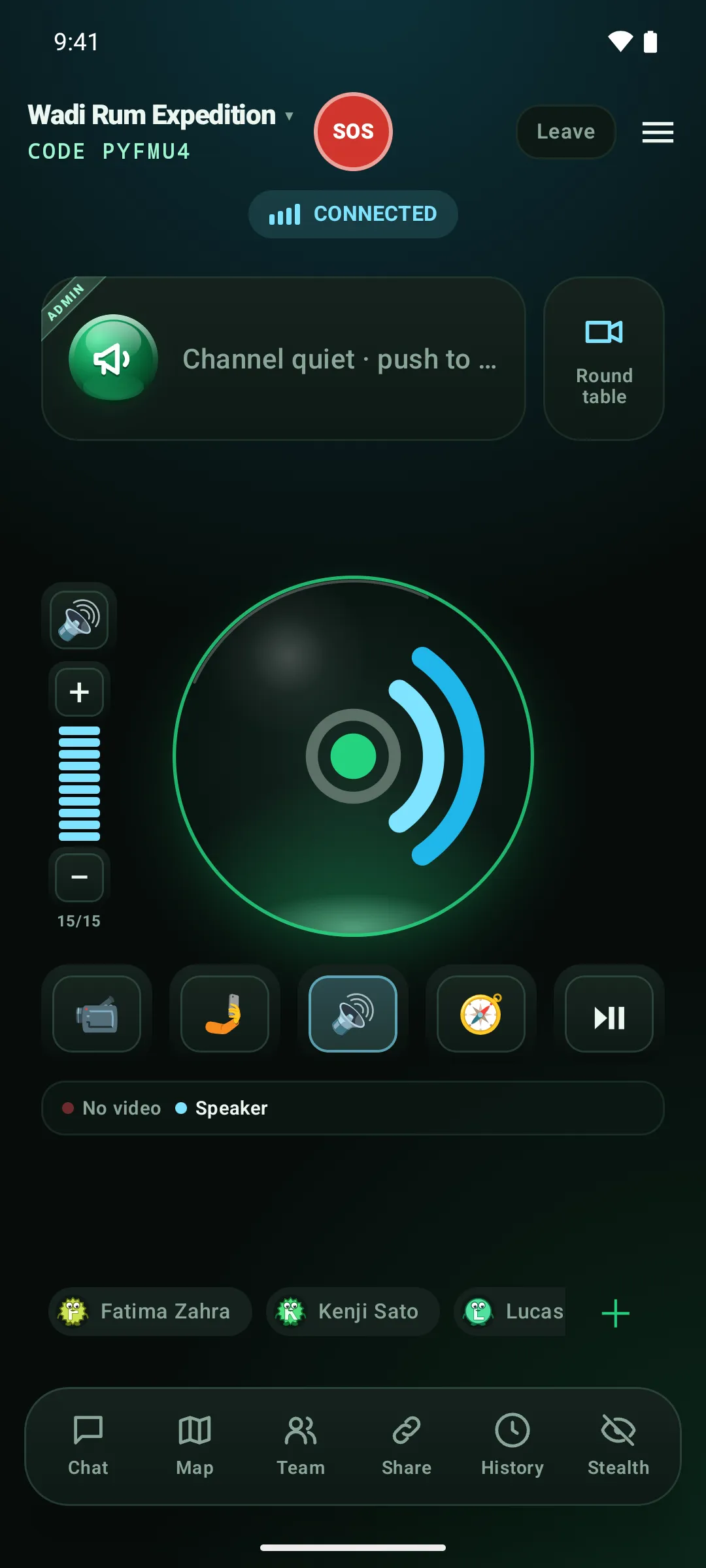
What the watch does
- Hold to talk from your wrist.
- See who is talking, by name.
- Audio on the watch or the phone.
- Turn the bezel for volume.
- Join a Roundtable from the watch.
- Keeps itself up to date.
Set it up
Install TapHAIL on your Android phone
Sign in and join your channel on the phone first.
Add TapHAIL Watch to your Wear OS watch
It pairs with the app on the phone it is connected to.
Choose where you hear the channel
On the watch or through the phone, whichever suits the job.
Hold the logo to talk
The watch talks on the channel the phone is on.
A shift on the wrist
A steward at a festival gate scans wristbands with one hand and holds a barrier with the other. The phone is zipped into a jacket. When the gate lead asks for a queue count, the steward glances at the watch to see who is talking, holds the logo and answers.
Later, the noise from the stage goes up, so the steward turns the bezel for more volume. When the crew lead starts a Roundtable for the changeover briefing, the steward joins from the watch without reaching for the phone.
The same habit works on a bike. A rider in a ride club keeps both hands on the bars and the phone in a pocket, and holds the watch to talk only when it is safe to.
Who wears it
- Stewards and event crew who need both hands.
- Riders, cyclists and drivers who cannot hold a phone.
- Hotel and security staff on patrol.
- Trekkers who keep the phone deep in a pack.
- Warehouse and facilities staff carrying stock or tools.
Tips for the watch
- Join and switch channels on the phone; the watch follows the channel the phone is on.
- Set a talk key on the phone too, so you can use the volume key or a physical PTT key when the watch is under a sleeve.
- In quiet places, Stealth mode on the phone sends voice to the earpiece and keeps the screen quiet.
- The watch keeps itself up to date, so there is nothing to update by hand.
Questions
Is there a walkie talkie app for Wear OS?
Yes. TapHAIL Watch runs on Wear OS watches paired with an Android phone that has TapHAIL. Hold the logo on the watch to talk.
Does TapHAIL Watch work with an iPhone or an Apple Watch?
No. TapHAIL Watch is for Wear OS and pairs with the TapHAIL app on an Android phone.
Can I hear the channel on the watch?
Yes, on the watch or through the phone, your choice.
Do I need my phone with me?
TapHAIL Watch pairs with the TapHAIL app on your Android phone and talks on the channel the phone is on, so keep the phone with you, in a pocket or a bag.
Can I join a video meeting from the watch?
Yes. When a channel admin starts a Roundtable, you can join it from the watch.
How do I change the volume on the watch?
Turn the bezel.
Which channel does the watch talk on?
The channel the phone is on. Join or switch channels on the phone, and the watch follows.
Is TapHAIL free?
Yes. The app is free on Google Play, as a direct download and in the browser, with no ads and nothing locked.