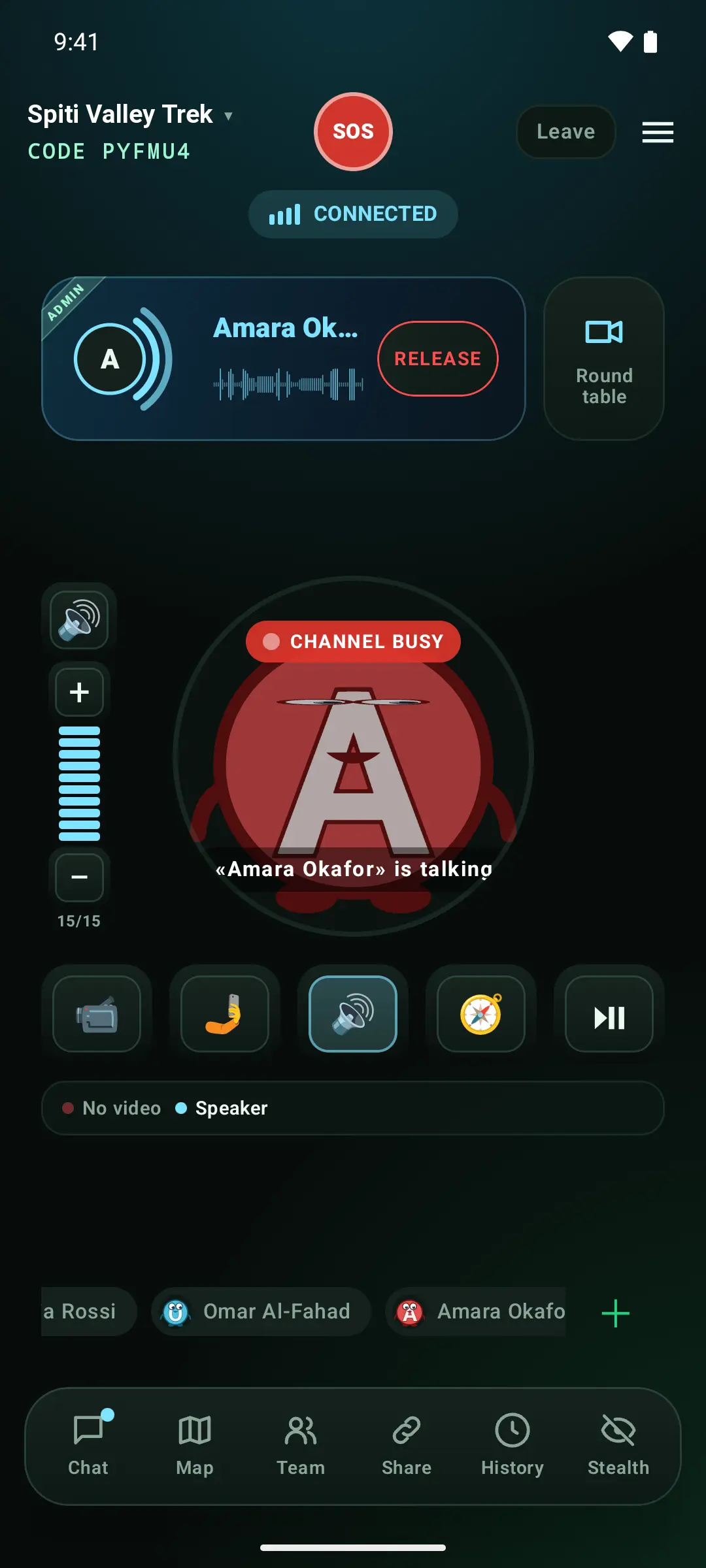
Hold one button and everyone on your channel hears you, across the street or across the world. When the signal drops, phones nearby keep talking over Bluetooth and Wi-Fi.
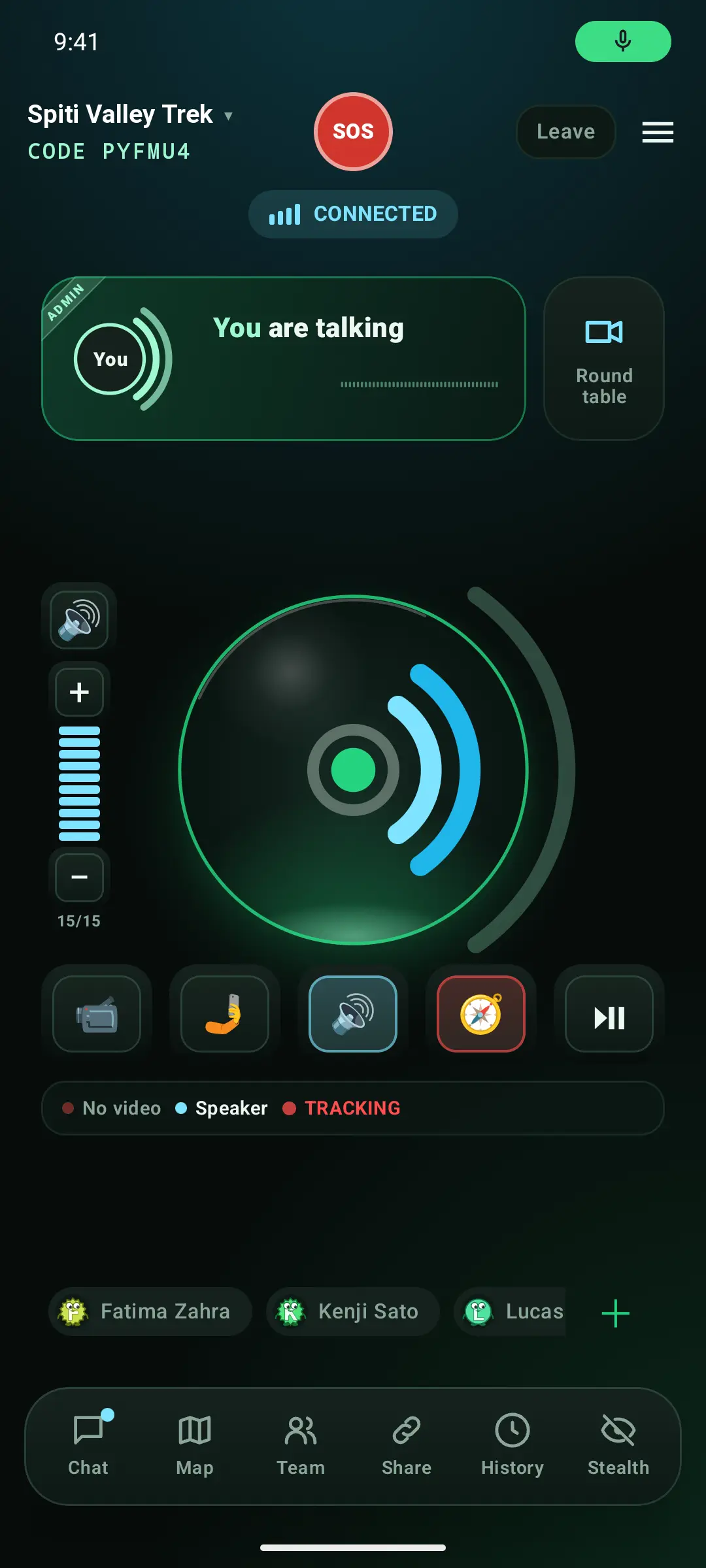
Hold the button, speak, let go. Your voice reaches the whole channel in a fraction of a second, in clear wideband audio that adapts to the network. Slide up to lock it for hands-free talk.
Mouth to ear
under 1 second
Voice
Opus, 10 · 16 · 28 kbps by link
Weak network
neural loss concealment
Talk key
screen, volume key or PTT button
Hands-free
slide up to lock · VOX
Private talk
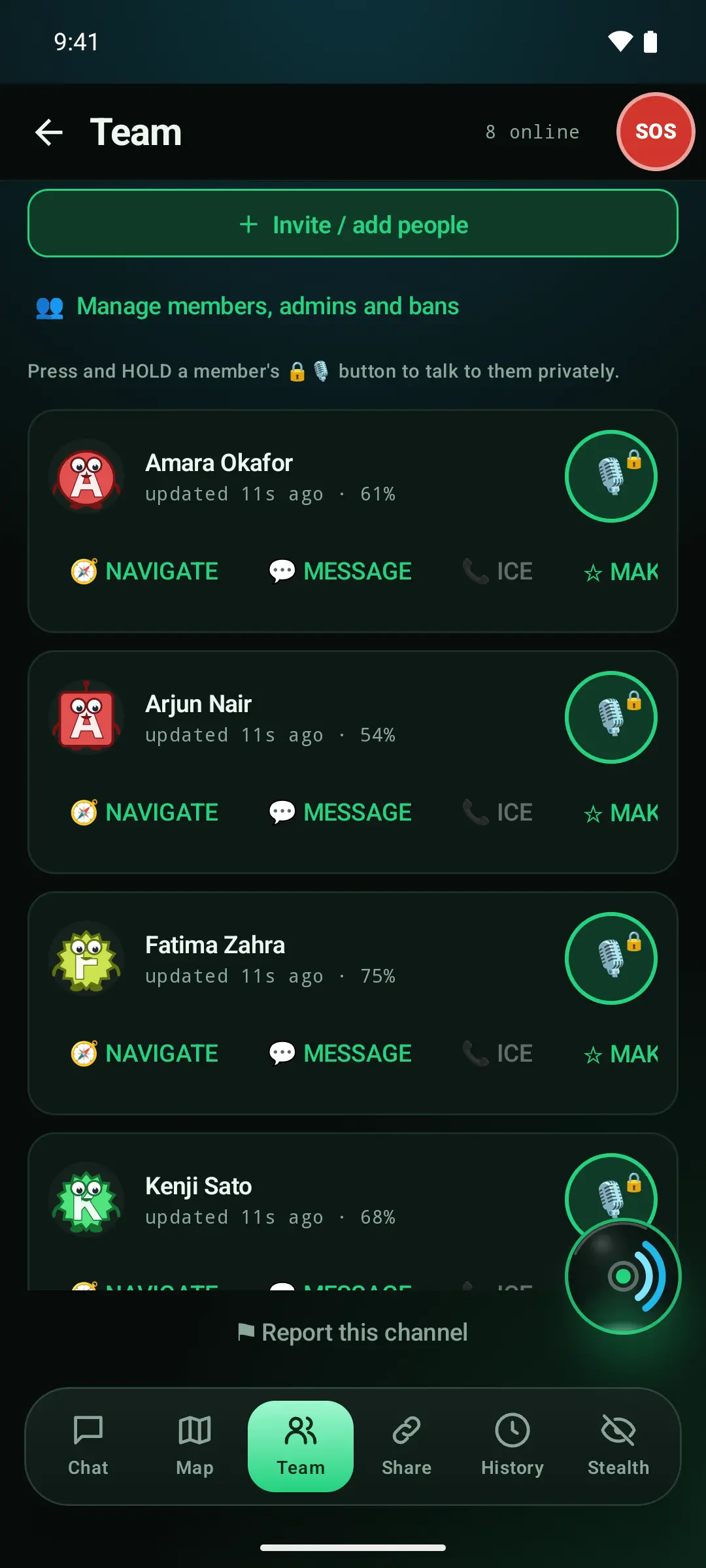
hold a teammate to talk to them alone
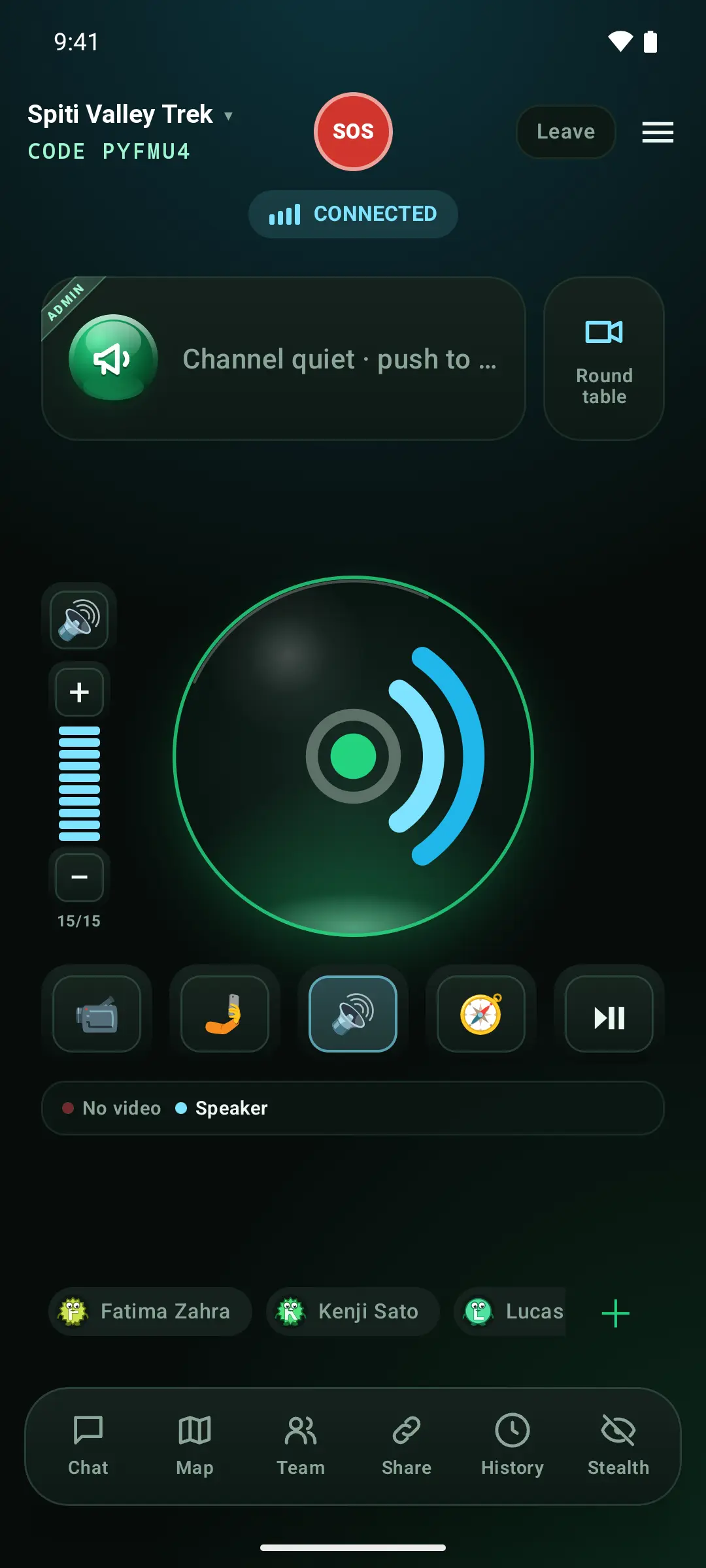
Try it: press and holdChannel quiet · push to talk00:00.0
← hold me!
02Offline nearby
No signal? Keep talking.
In a canyon, on a mountain trail or in a packed stadium, phones near each other link directly over Bluetooth and Wi-Fi. Voice and positions keep flowing between your crew, and everything syncs when the network returns.
Phone-to-phone over Bluetooth and Wi-Fi
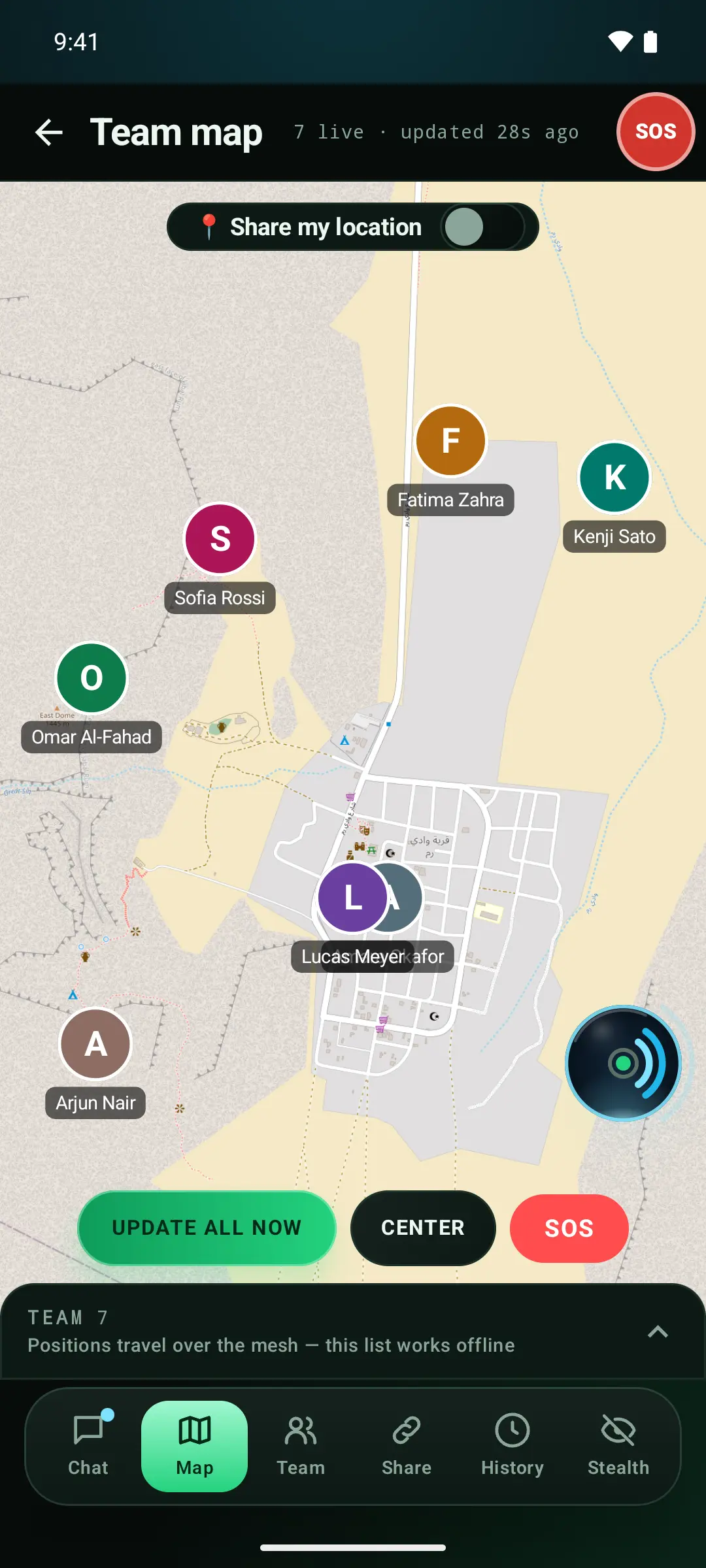
Positions travel over the mesh
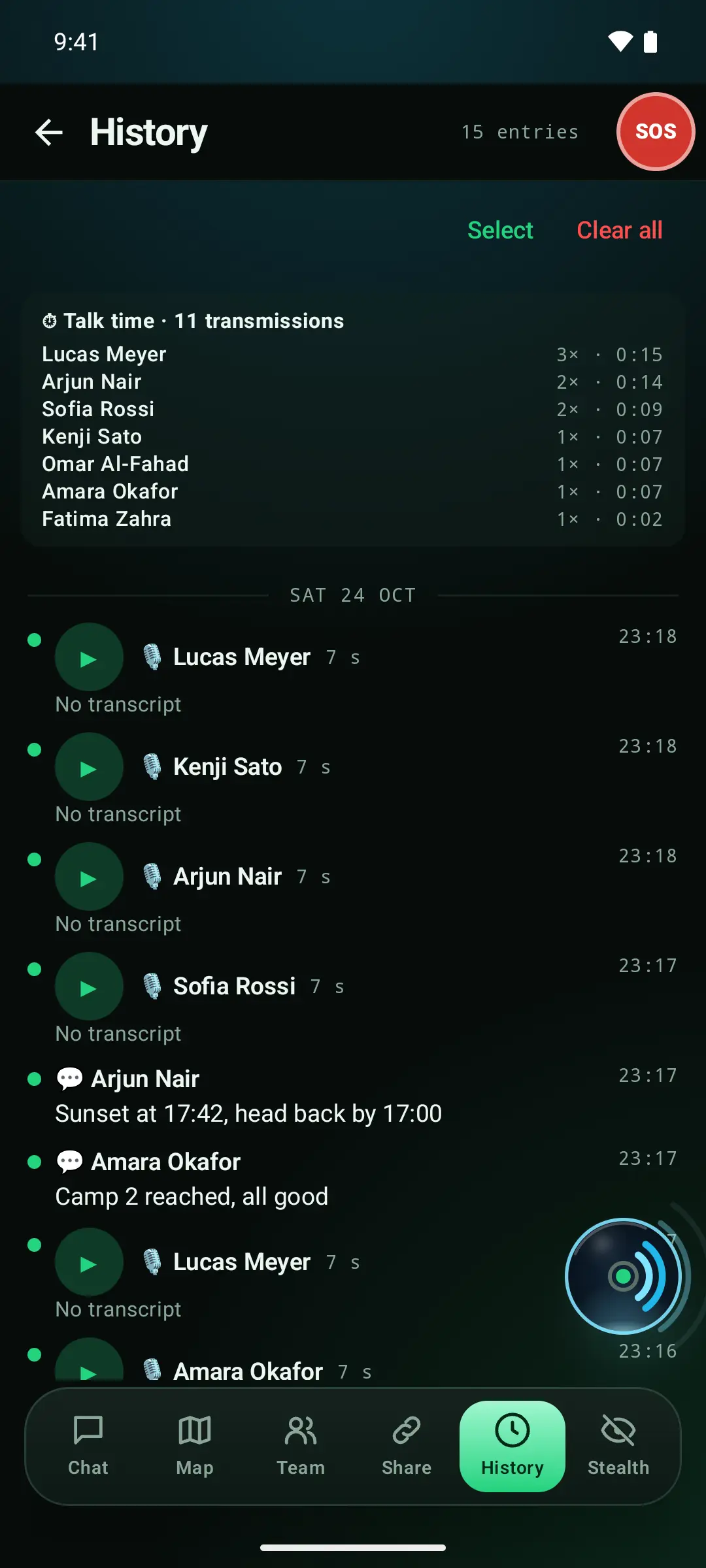
History keeps every transmission to replay
no bars? no problem
03In the field
Built for expeditions. And for the office.
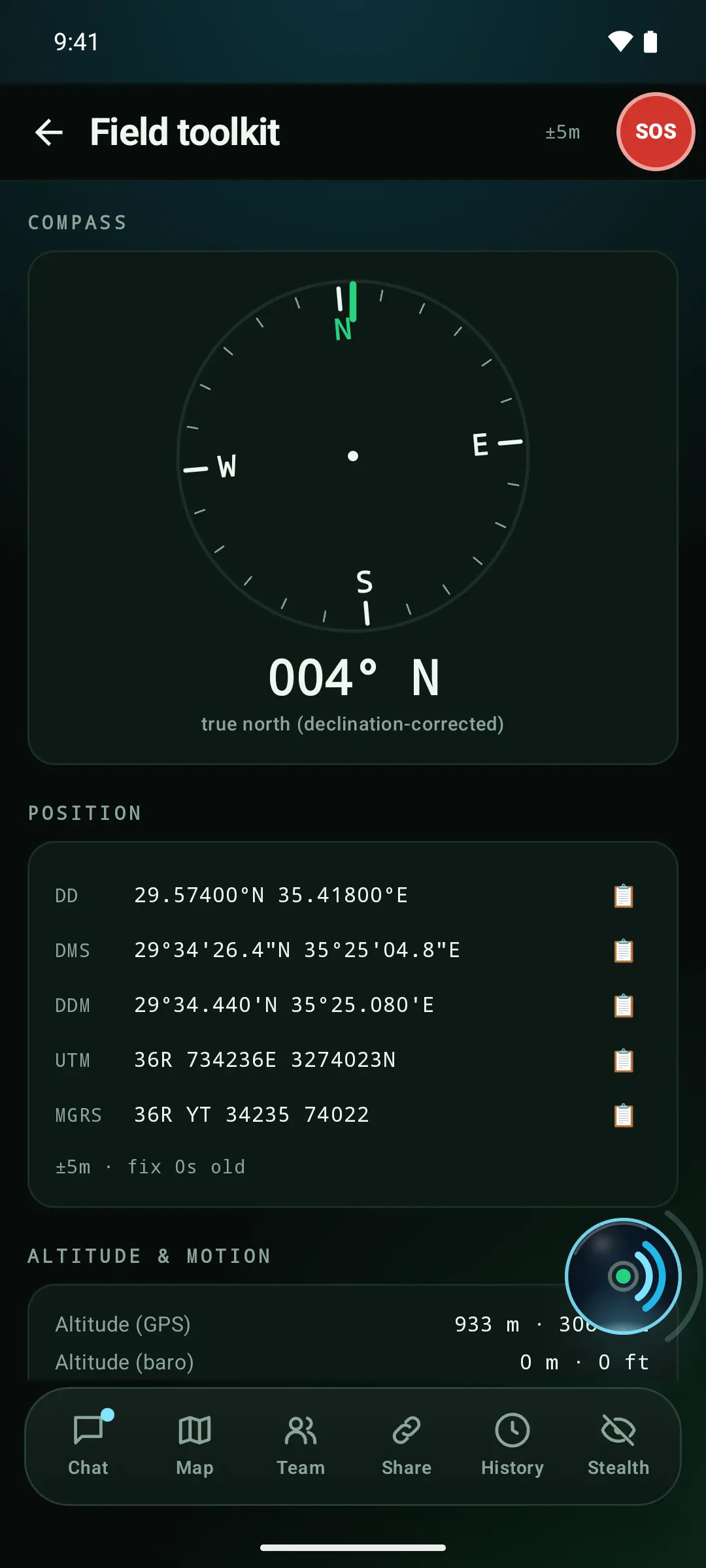
A private team map, a true-north compass, your position in every format a rescuer asks for, altitude, daylight times and a log of everything that was said.
Team map
See teammates who choose to share. Off by default, and you set how often it updates.
Field toolkit
Compass, coordinates in DD, DMS, UTM and MGRS with one-tap copy, GPS and barometric altitude.
Chat in any language
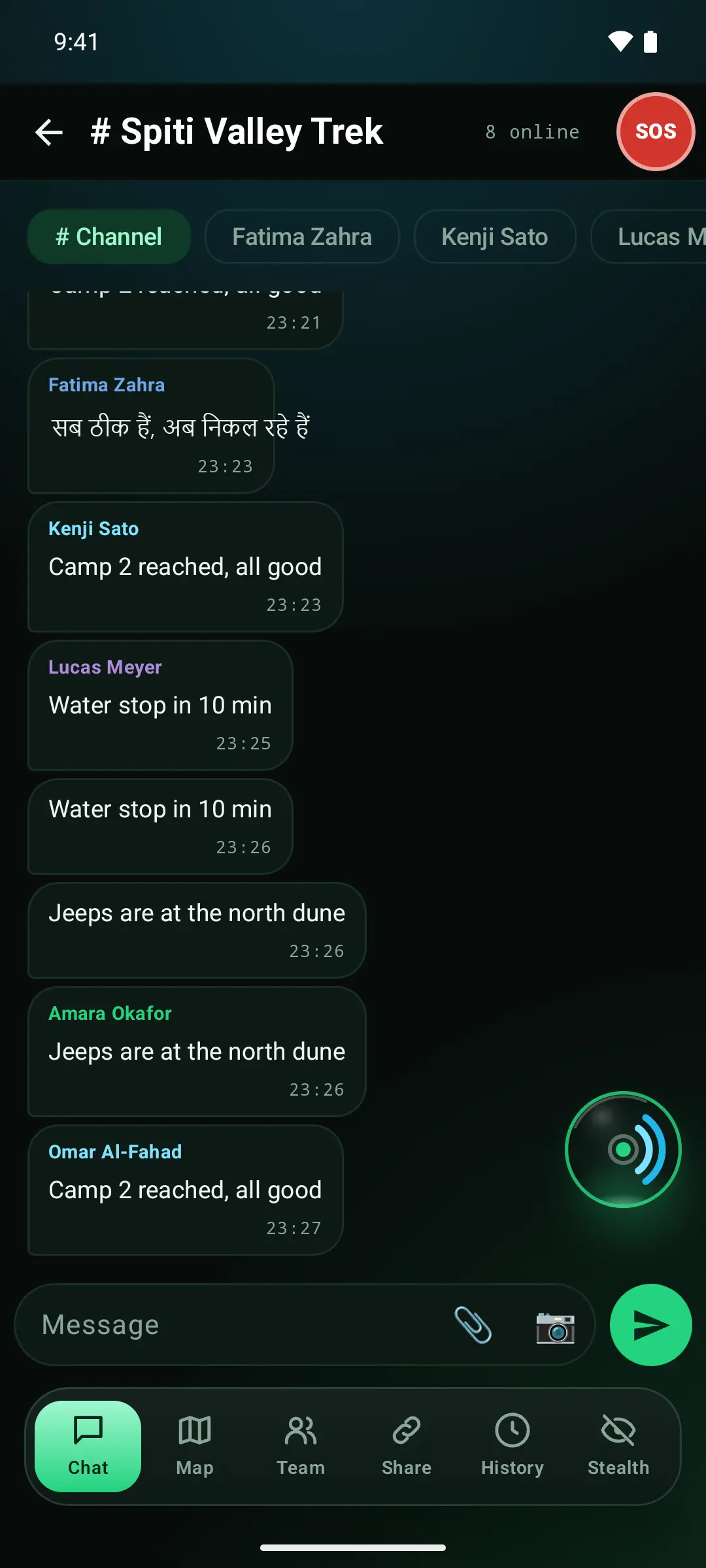
Messages, photos and voice in one place, with live translation of what you hear.
History & catch-up
Every transmission with its real audio. Come back to a "while you were away" recap.
29.574°NLatitude
35.418°ELongitude
933 mAltitude
7Crew on the map
only if you share
04At the office
The extension, without the switchboard.
Offices use TapHAIL like the old 3- and 4-digit extensions: reception, the warehouse, security and every department get their own channel, and anyone is one tap away. No desk phones, no PBX, no wiring.
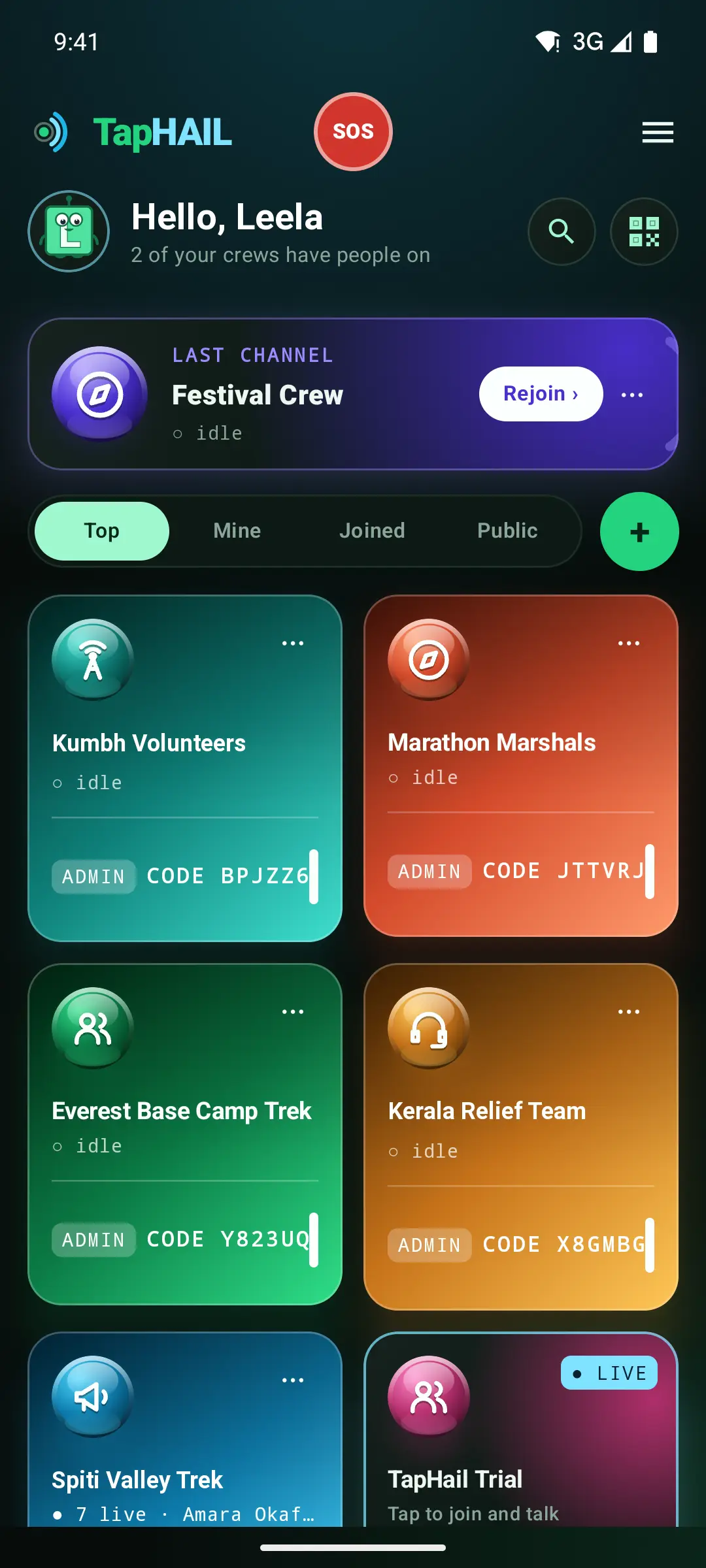
A channel for every desk and department
Ring a colleague in, with a reason
Hold to talk to the whole floor
Hold a teammate to talk to them alone
On the phones and laptops you already have
ext. 204, but nicer
05Roundtable
From channel to video meeting in one tap.
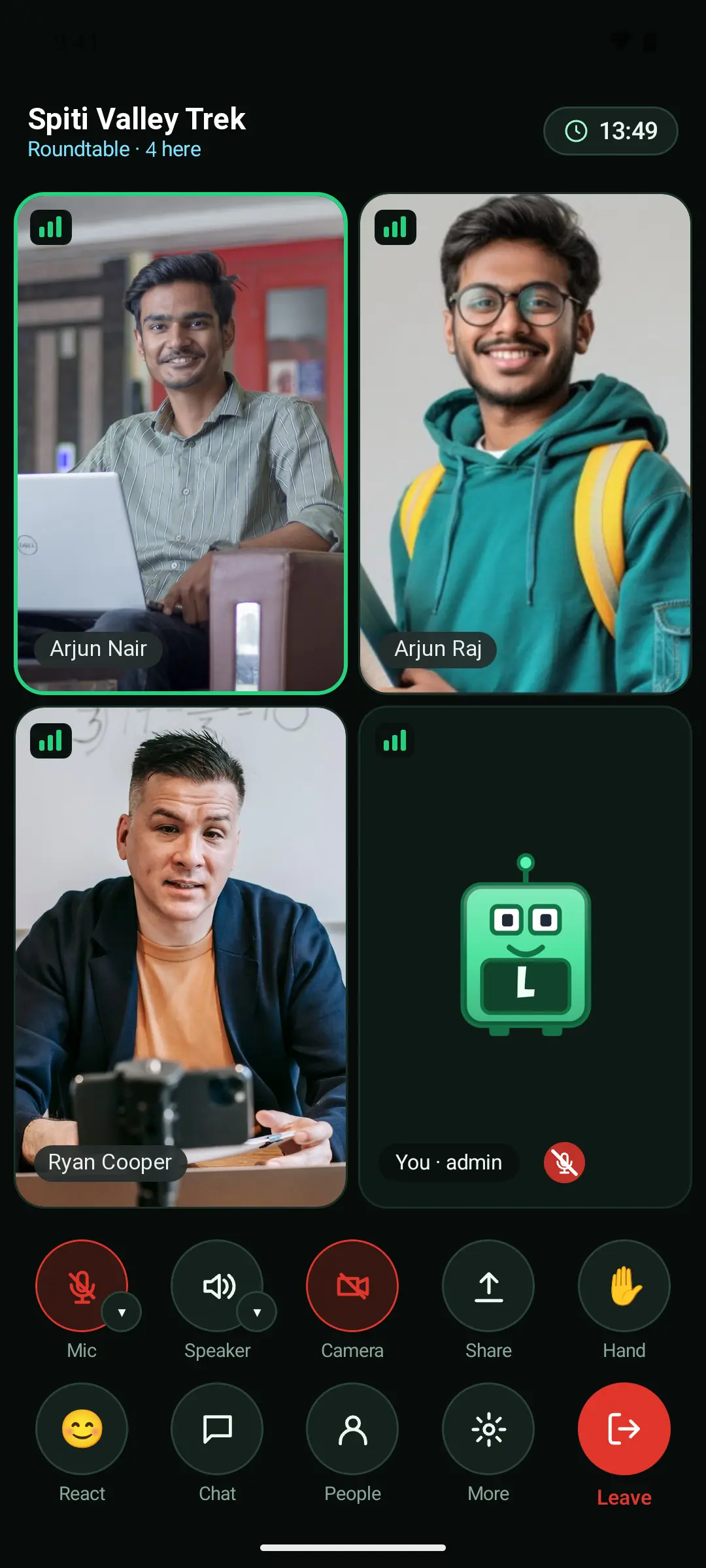
A channel admin turns the channel into a timed group video call. Everyone joins with mic and camera off, raises a hand, reacts, shares a screen, and when the time is up the crew is back on push-to-talk.
Timed: 15 to 60 minutes, extend as you go
Bring everyone in, or ask them to join
Camera, screen share, hand, reactions, chat
Nobody's camera or mic turns on by itself
cameras stay off
06Safety
SOS on every screen. Privacy by default.
Where SOS is live (Kerala today), one tap alerts your channel and your emergency contact with your location, and the trained partner volunteers nearby. Silent SOS for when you cannot speak. Your location is never shared unless you switch it on.
SOS in the same place on every screen
Silent SOS
Emergency number one tap away
Stealth mode for total silence
Location off until you share it
Delete your account in the app
TapHAIL does not replace emergency services. In an emergency, call your local emergency number first.
one tap. really.
07On your wrist
Talk from your watch. Leave the phone in your pocket.
TapHAIL Watch runs on Wear OS watches and pairs with the app on your Android phone. Hold the logo on the watch to talk, hear the channel on your wrist or through the phone, turn the bezel for volume, and join a Roundtable without reaching for the phone.
Hold to talk from your wrist
See who is talking, by name
Audio on the watch or the phone
Turn the bezel for volume
Join a Roundtable from the watch
Keeps itself up to date
Wadi Rum Expedition
v0.5.2
−
JoinRoundtable
+
Hold to talkYou're on the airAmara OkaforTalk paused · Roundtable on
Watch✕
phone stays in the pocket ↓
08Everything in the app today
Everything a radio does. And everything it can't.
Talk
Talk like you are standing side by side.
One big button, voice that adapts to the network, and subtitles in your own language under every transmission.
Instant push-to-talkHold one big button and your whole channel hears you in real time, worldwide.Live
Live translationSpeak your language, read theirs. Subtitles under every transmission, original voice kept.On
Studio-grade voiceOpus voice that picks its quality from your connection, smoothing over dropped packets.Opus
Hardware PTT keyVolume Up, Volume Down or a physical PTT button. VOX talks when you speak.Vol +
Reach
Bring anyone in. Even without the app.
Unlimited channels with codes, links and QR. Ring a person in with a reason, turn the channel into a meeting, or let anyone call you from a printed QR.
No ads, nothing locked. Pick a chocolate for the team, from a bite to the feast. It is a thank-you: it keeps TapHAIL free for the next crew.
Paid once, to Ebita Ai Private Limited, the company behind TapHAIL, through Razorpay: in rupees in India, in US dollars elsewhere. No chocolate is shipped and nothing is unlocked. You sign in first; your invoice stays with your account.
12Keep it free
Free for every crew. Kept on air by coffee.
No ads, no paid tier, nothing locked. If TapHAIL helps your crew, buy the team a coffee, once or every month. Every cup pays for servers and voice, and keeps it free for the next crew.
Payments are taken by Ebita Ai Private Limited, the company behind TapHAIL, through Razorpay: UPI, cards, net banking and wallets. A coffee is a thank-you and does not unlock features. Stop a monthly coffee any time.
13How it works
Up and talking in under a minute.
01
Get the app
From Google Play, as a direct download, or open the web app. Sign in with a password, SMS code or Google.
02
Make a channel
Create one and share its 6-character code, a link or a QR, or ring your crew straight in.
03
Hold to talk
Press, speak, release. Everyone on the channel hears you.
14Questions
Good questions.
Is TapHAIL free?
Yes. The app is free on Google Play, as a direct download and in the browser, with no ads and nothing locked. If it helps your crew, you can send us a small thank-you: that is what keeps it free for everyone.
Does the walkie talkie work without internet?
Over the internet it reaches anywhere with mobile data or Wi-Fi. When there is no signal, phones near each other still talk over Bluetooth and Wi-Fi, so a group on a trail or at an event keeps talking.
Does TapHAIL work on a smartwatch?
Yes. TapHAIL Watch runs on Wear OS watches paired with an Android phone that has TapHAIL. Hold the logo on the watch to talk, hear the channel on the watch or the phone, and join a Roundtable from your wrist.
Does it work on iPhone?
The iPhone edition is on its way. Until then, use the web app edition: open taphail.com/webapp in Safari and add it to your Home Screen.
What is a Roundtable?
A channel admin can turn the channel into a timed video meeting. Members join with their mic and camera off, and when it ends everyone is back on push-to-talk.
Who can see where I am?
Nobody, by default. Location sharing is off until you switch it on, and only people on your channel can see it. Your position is also sent when you raise an SOS.
What happens when I press SOS?
Where SOS is live (Kerala today), your channel and your emergency contact are alerted with your location, and the trained volunteers of a partner organisation nearby are called in, in waves. Elsewhere the SOS button puts your emergency number one tap away. TapHAIL does not replace emergency services.
Can people call me without the app?
Yes. Make a Call Me point, print its QR and put it on your car, shop or door. Anyone who scans it can ring you from their browser, and your number stays hidden.
Can an office use TapHAIL instead of desk extensions?
Yes. Many offices give reception, the warehouse, security and each department its own channel and use it like the old 3- or 4-digit extensions: one tap reaches a person or a whole team, with no desk phones or PBX.
Can I use a volume key as the talk button?
Yes. In Settings, choose Volume Up, Volume Down or a physical PTT key.
How do I delete my account?
From the app's settings, or on our delete account page. Your data is deleted with it.
Does TapHAIL work on Jio, Airtel and Vi?
Yes. TapHAIL works over any mobile data network or Wi-Fi, so it runs on Jio, Airtel, Vi and BSNL alike. With no network, Android phones near each other keep talking over Bluetooth and Wi-Fi.
Can our trek, yatra or wedding crew use it?
Yes. Make one channel for the group and share its 6-character code. On a Himalayan trail or in a crowd where the network is overloaded, Android phones near each other keep talking.
Is TapHAIL an Indian app?
Yes. TapHAIL is made by Ebita Ai Private Limited, a company registered in Kerala, India.
Can I support TapHAIL with UPI?
Yes. Thank-you payments are taken by Ebita Ai Private Limited through Razorpay: UPI, cards, net banking and wallets. A thank-you does not unlock features.