Guide · Event channels
How to plan radio channels for a 50-person event.
Fifty people on one channel is chaos: everyone hears everything, and the call that matters gets buried. A simple channel plan, written down and handed out, keeps the right people hearing the right calls. Here is a plan that works on radios or on a push-to-talk app.
The principle: one channel per job
Split the crew by what they do, not where they stand. Each team gets its own channel, each team has a lead, and the leads share a channel with the people running the event. Most calls stay inside a team. Only what the whole event needs to know goes up to control.
A sample plan for 50 people
| Channel | Who is on it | What it is for |
|---|---|---|
| Control | Event manager, leads, control desk | Decisions, incidents, anything that affects more than one team |
| Gates | Entry and ticket staff, about 12 | Queues, wristbands, gate opening and closing |
| Stewards | Crowd and site stewards, about 15 | Crowd flow, lost property, lost children reported to control |
| Stage | Production, stage manager, artist liaison, about 10 | Running order, changeovers, technical calls |
| Logistics | Parking, deliveries, bar and catering runners, about 8 | Vehicles, stock, waste, power |
| Welfare | First aid and welfare team | Welfare calls and handovers; serious incidents also go to control and emergency services |
Building the plan step by step
List every function
Write down each job on the day and who does it. Group jobs that talk to each other most.
Pick a lead for each team
The lead listens to their team and speaks for it on Control. Name a deputy for breaks.
Make Control small
Only leads and the people running the event. If Control gets busy, it means too much is being sent up.
Name channels the way people talk
Short, plain names: "Gates", "Stage", "Control". Avoid numbers that need a key to decode.
Agree call signs
Use roles, not names: "Gate 2", "Stage manager", "Control". Roles stay the same when shifts change.
Write the briefing sheet
One page: channel names, who is on each, call signs, the meeting point, and what to do in an emergency.
Test before doors
A radio check on every channel, an hour before the public arrives.
Setting it up on TapHAIL
- Make one channel per team. Channels are unlimited, so you never have to squeeze two teams onto one.
- Make Control members-only, so only the people you add can join it. Team channels can be open for the day.
- Every channel has a 6-character code, a link and a QR. Print each team's QR on its section of the briefing sheet, so joining takes one scan.
- Run the control desk on a laptop in the browser with the web app, and give the crew the Android app or the web app on their phones.
- Set the talk key: Volume Up, Volume Down or a physical PTT button on Android, or VOX for hands that are busy.
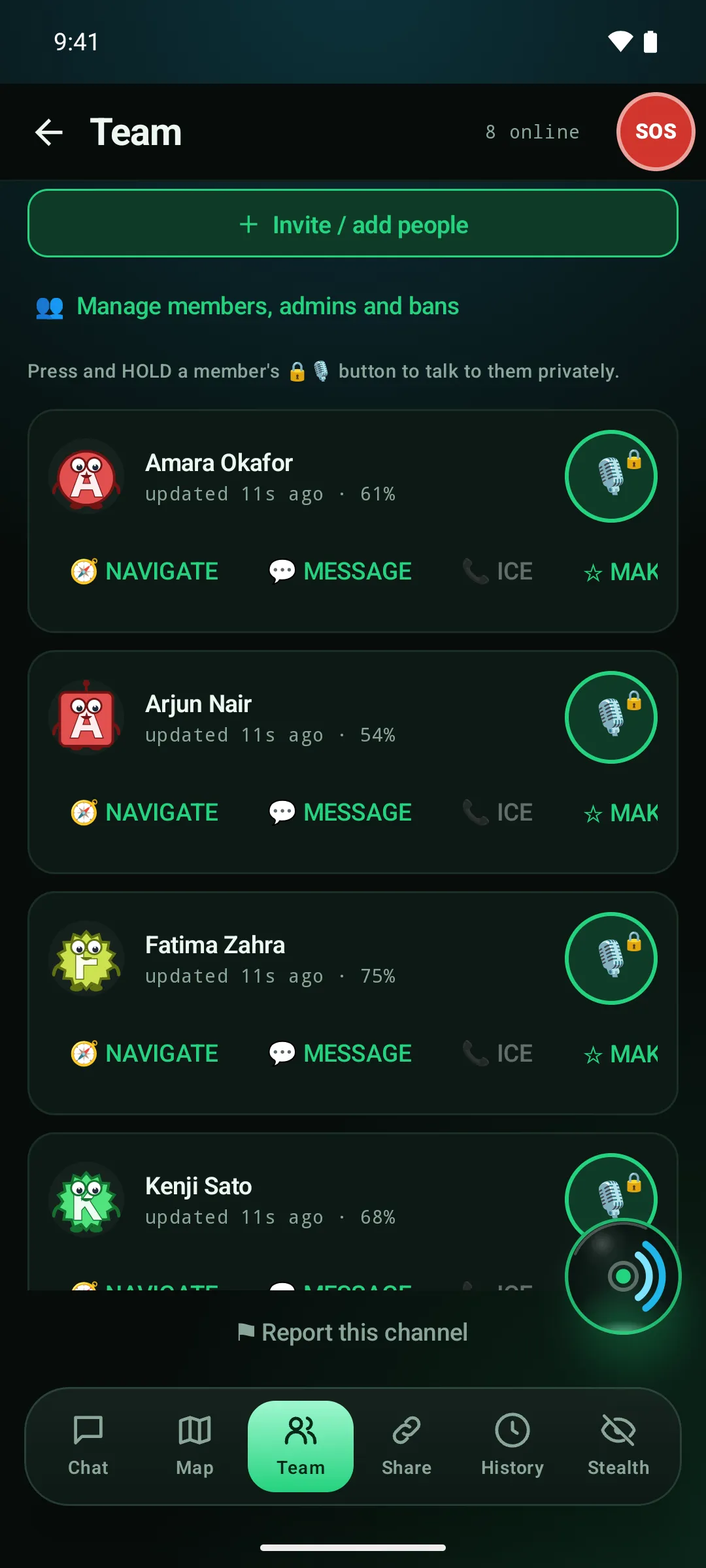
- Hold a teammate's name to talk to them privately, so one-to-one talk stays off the channel.
- Ring someone in with a reason when you need them on a channel now.
- Turn the team map on for the day if leads need to see where people are. It is off by default and updates every 30 seconds to 5 minutes.
- For volunteers who speak different languages, live translation shows subtitles in each person's language under every transmission.
Radio etiquette for the day
Put five rules on the briefing sheet: listen before you press; say who you are calling, then who you are; one message per transmission; confirm with "copy"; and clear the channel for an emergency. Our radio etiquette guide has the full list, and the phonetic alphabet helps with names and plates.
Shift change and handover
Handover is where things get lost. The outgoing lead tells the incoming lead what is open: incidents, problems, things promised. On TapHAIL, History keeps every transmission with its real audio, and the "while you were away" recap shows the new shift what happened before they arrived.
Because call signs are roles, the new person simply takes the role. Nobody has to learn new names halfway through the day.
Emergencies
Write the emergency process at the top of the briefing sheet. Agree who calls emergency services and how the location is given. TapHAIL's one-tap SOS alerts the channel and an emergency contact with your location where SOS is live (Kerala today), but it does not replace emergency services: in an emergency, call your local emergency number.
Questions
How many radio channels does an event need?
One per function plus a control channel is a good start. For about 50 people, that is often five or six channels.
Who should be on the control channel?
The event manager, the team leads and the control desk. Keep it small so urgent calls are heard.
How do volunteers join the right channel quickly?
On TapHAIL, print each channel's QR on the briefing sheet. One scan joins it, or people can type the 6-character code.
How do I hand over between shifts?
Outgoing and incoming leads talk through what is open. On TapHAIL, History and the "while you were away" recap let the new shift catch up on what was said.