Use · Office intercom
The office intercom, without the switchboard.
Offices use TapHAIL like the old 3- and 4-digit extensions: reception, the warehouse, security and every department get their own channel, and anyone is one tap away. No desk phones, no PBX, no wiring.
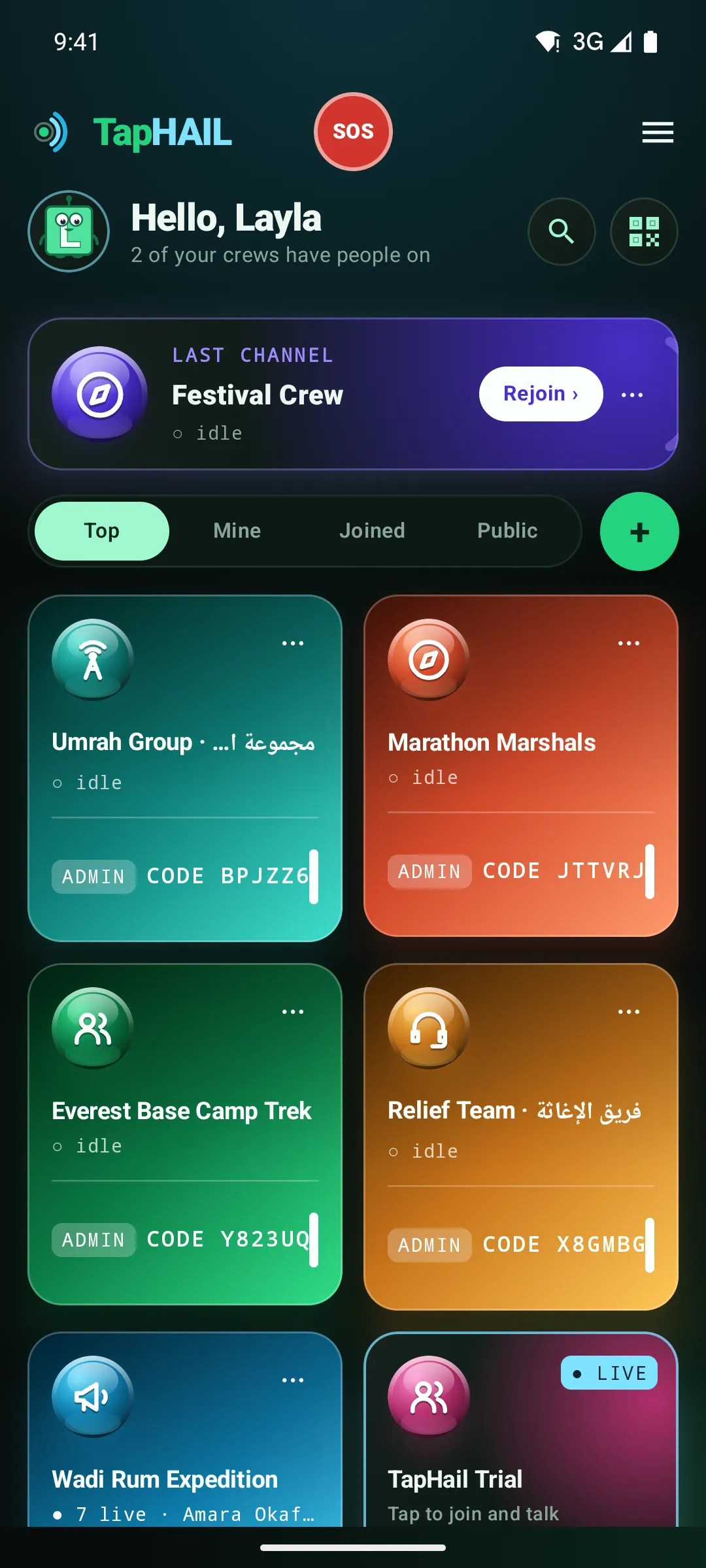
Extensions, the TapHAIL way
- A channel for every desk and department.
- Ring a colleague in, with a reason.
- Hold to talk to the whole floor.
- Hold a teammate to talk to them alone.
- On the phones and laptops you already have.
Your new extension list
| Channel | Who is on it | Use it for |
|---|---|---|
| Reception | Front desk and whoever covers it | Visitors, deliveries, calls to pass on |
| Whole floor | Everyone in the office | Announcements and the five-minute warning before a meeting |
| Warehouse | Warehouse team and the office | Stock checks, dispatch, collections |
| Accounts | Finance team, members-only | Approvals and quick questions |
| Security | Guards and facilities | Doors, alarms, after-hours access |
| Management | Managers, members-only | Decisions that should not go to the whole floor |
Set it up in an afternoon
Make the channels
One per department or desk: reception, accounts, warehouse, security.
Invite the team
Share each channel's 6-character code, a link or a QR. Sign in with a password, SMS code or Google.
Talk from anywhere
Android phones, and laptops in the browser, all on the same channels.
Meet when you need to
Turn a channel into a timed video meeting, then go back to push-to-talk.
A morning at the office
Reception opens the web app on the front-desk computer. A courier arrives with a pallet, and reception holds to talk on Warehouse: the warehouse lead answers from the loading bay on an Android phone and sends someone up.
Accounts needs a signature. Instead of walking the floor, the accounts clerk rings the manager into Accounts with a reason; the manager says later, finishes a call, then joins and answers.
At ten, the team lead turns the Management channel into a 15-minute Roundtable. Cameras and mics start off, one manager shares a screen, and when the time is up everyone is back on push-to-talk. A colleague working from home joined from a laptop, because a channel reaches anyone with mobile data or Wi-Fi.
Someone who was out at lunch comes back to a "while you were away" recap instead of asking around.
Why not just call?
A call reaches one person and waits for them to pick up. A channel reaches everyone who needs to hear, in under a second, and History keeps what was said for whoever missed it.
TapHAIL is for talking inside your team. It does not make outside phone calls, so keep a line for customers and suppliers.
Questions
Can TapHAIL replace an office PBX or intercom?
For talking between desks and departments, yes: each gets a push-to-talk channel, and you can ring a colleague in or talk to the whole floor. It does not make outside phone calls.
Does it work on computers?
Yes. The full app runs in a browser on laptops and desktops, as a real workspace.
Can we hold meetings in it?
Yes. A channel admin can turn the channel into a timed video meeting, a Roundtable, and everyone goes back to push-to-talk when it ends.
Can staff who work from home join?
Yes. A channel reaches anyone with mobile data or Wi-Fi, on Android or in a browser, wherever they are.
Can a channel be private to one department?
Yes. Channels can be open or members-only, so accounts or management can have a channel only its members join.
Can visitors reach reception without the app?
Yes. Put a Call Me QR at the door; anyone who scans it rings you from their browser, and your number stays private.
Is TapHAIL free?
Yes. The app is free on Google Play, as a direct download and in the browser, with no ads and nothing locked.